Skip to content

Plan the trade. Trade the plan. Review the trader.

See which decisions make you money and which cost you

FINTRIX LAB puts your plan, trades, mistakes and daily review in one workspace. Trades from MetaTrader arrive on their own, and you see the quality of every decision and what to change tomorrow.

  • Free plan with no time limit
  • No payment card
  • MT4 and MT5 auto-sync
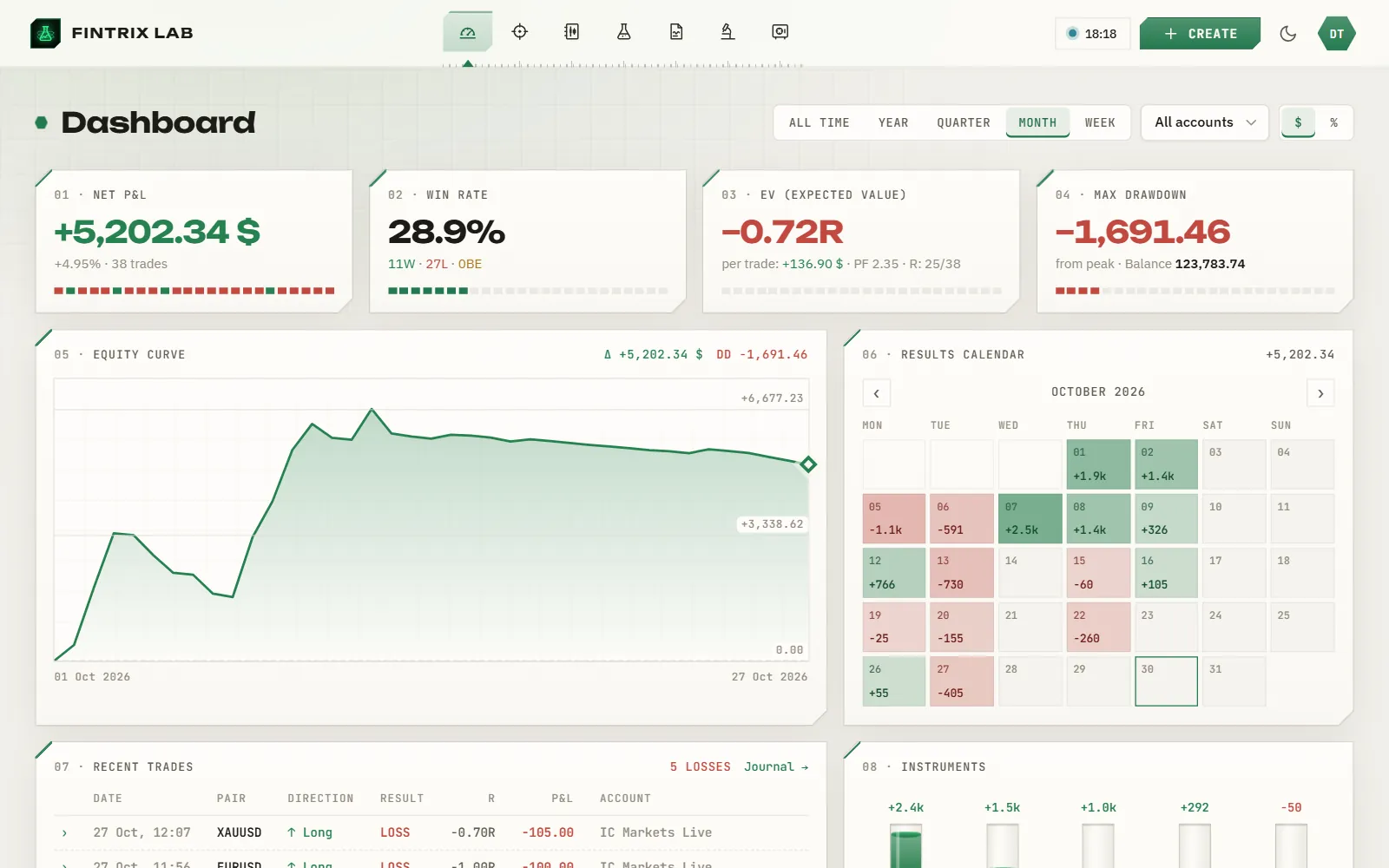
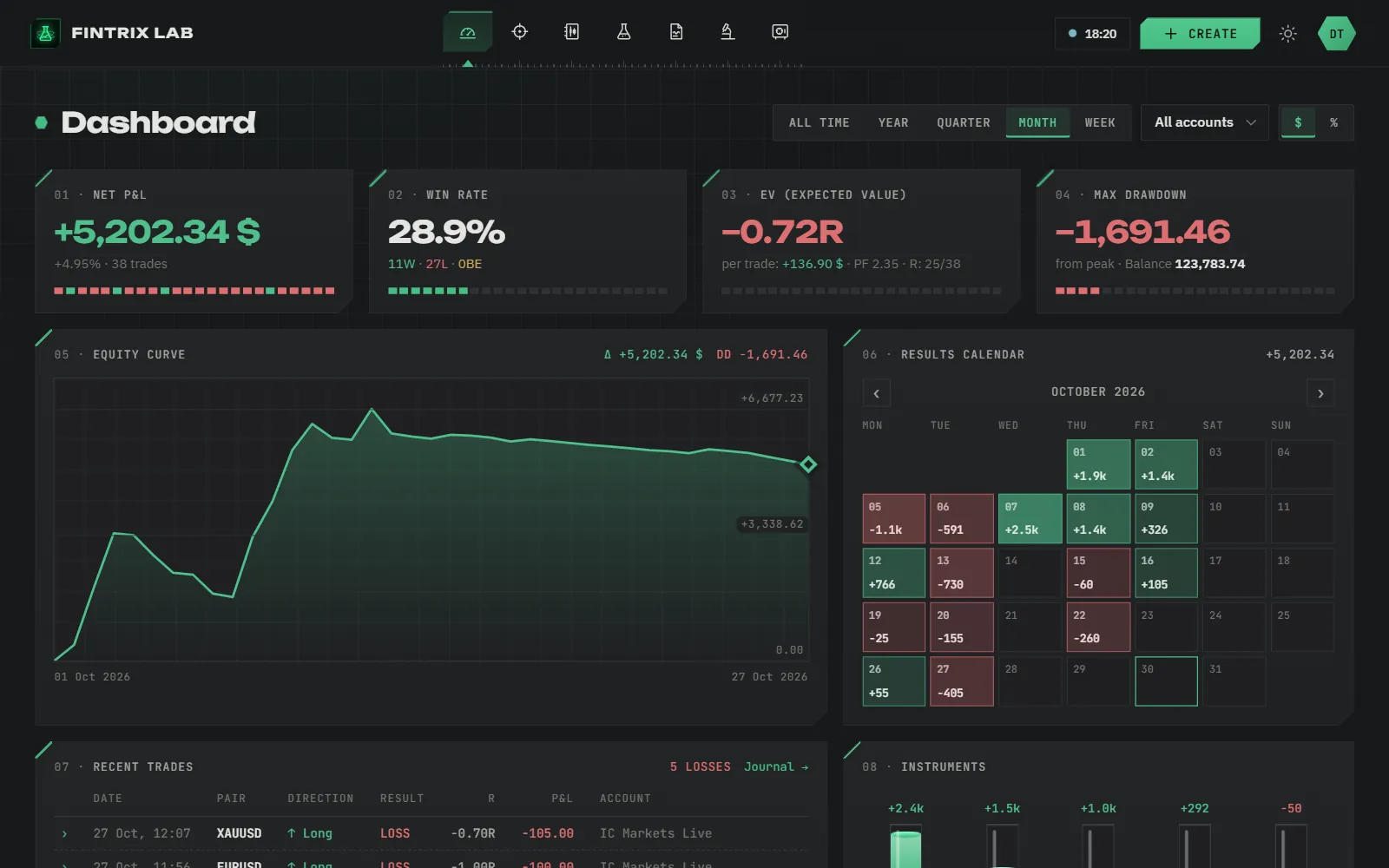
FINTRIX LAB dashboard: net P&L, win rate, EV, drawdown, equity curve and results calendarFINTRIX LAB dashboard: net P&L, win rate, EV, drawdown, equity curve and results calendar
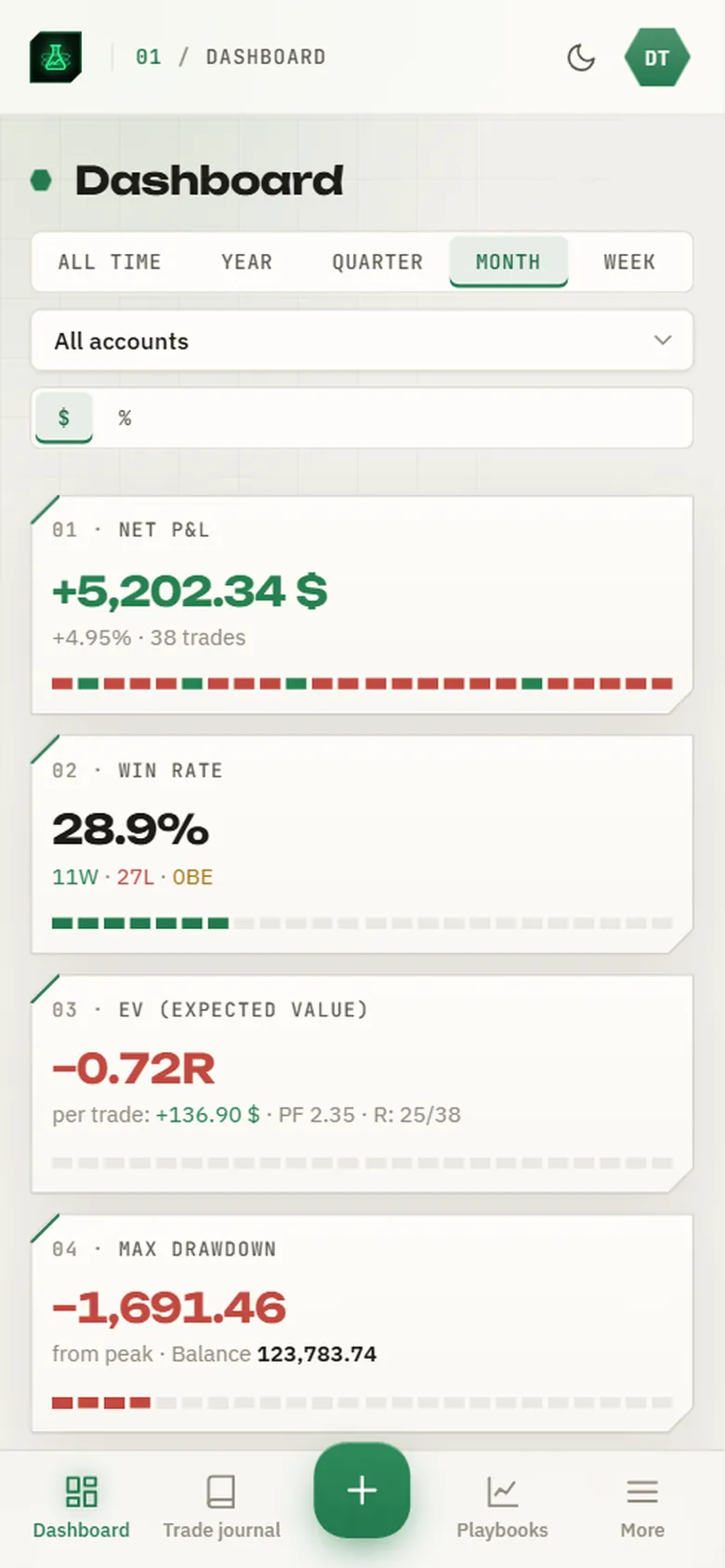
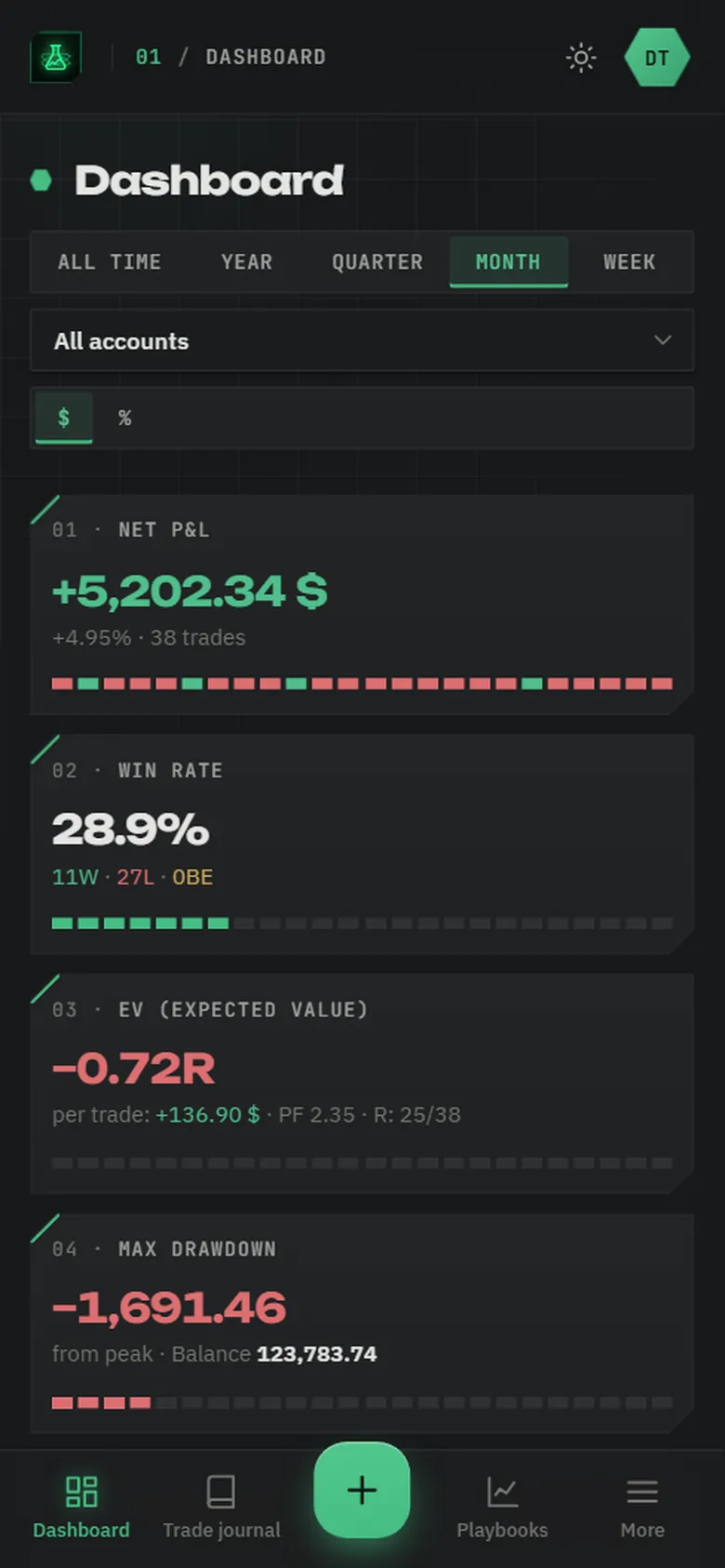
FINTRIX LAB dashboard on a phoneFINTRIX LAB dashboard on a phone
  • MT4 · MT5auto-sync: trades land in the journal on their own
  • All linkedplan, trade, mistakes and review open one another
  • AI reviewsoonof your trades and days, on Pro and Elite
  • Edgesoonmarket context and news breakdowns on Elite

Problem → solution

Sound familiar?

UsuallyTrades in a spreadsheet, screenshots in your phone's gallery, takeaways in notes.

With FINTRIX LABThe screenshot, description and takeaway live in the trade. Plan, trade and note link to each other.

UsuallyP&L shows the outcome but not whether the decision was right.

With FINTRIX LABIdea and execution are graded separately, from A to F. You see where you lose: on ideas or on execution.

UsuallyThe same mistakes repeat because nothing shows what they cost.

With FINTRIX LABEvery mistake has a type, a screenshot and a cost. The analysis shows the most frequent and the most expensive ones.

UsuallyYou copy each trade from the terminal by hand and miss some.

With FINTRIX LABThe FintrixSync EA for MetaTrader 4 and 5 sends your trades to the journal. You add the screenshot and the takeaway.

UsuallyOne idea on three prop accounts means three records and muddled balances.

With FINTRIX LABLog the trade once and copy it to the other accounts. Each account keeps its own stats and challenge rules.

Features

Everything you need to review your own trading

Each tool solves one problem, and together they link the plan, the trade and the takeaway.

01Trade journal

A journal that fills itself

ProblemCopying trades from the terminal takes time, so journals get dropped within a week.

How it works
  • The FintrixSync EA for MetaTrader 4 and 5 sends trades to the journal: entry, exit, volume, result.
  • You can import an MT5 statement in CSV or HTML by hand, and the journal spots duplicates itself.
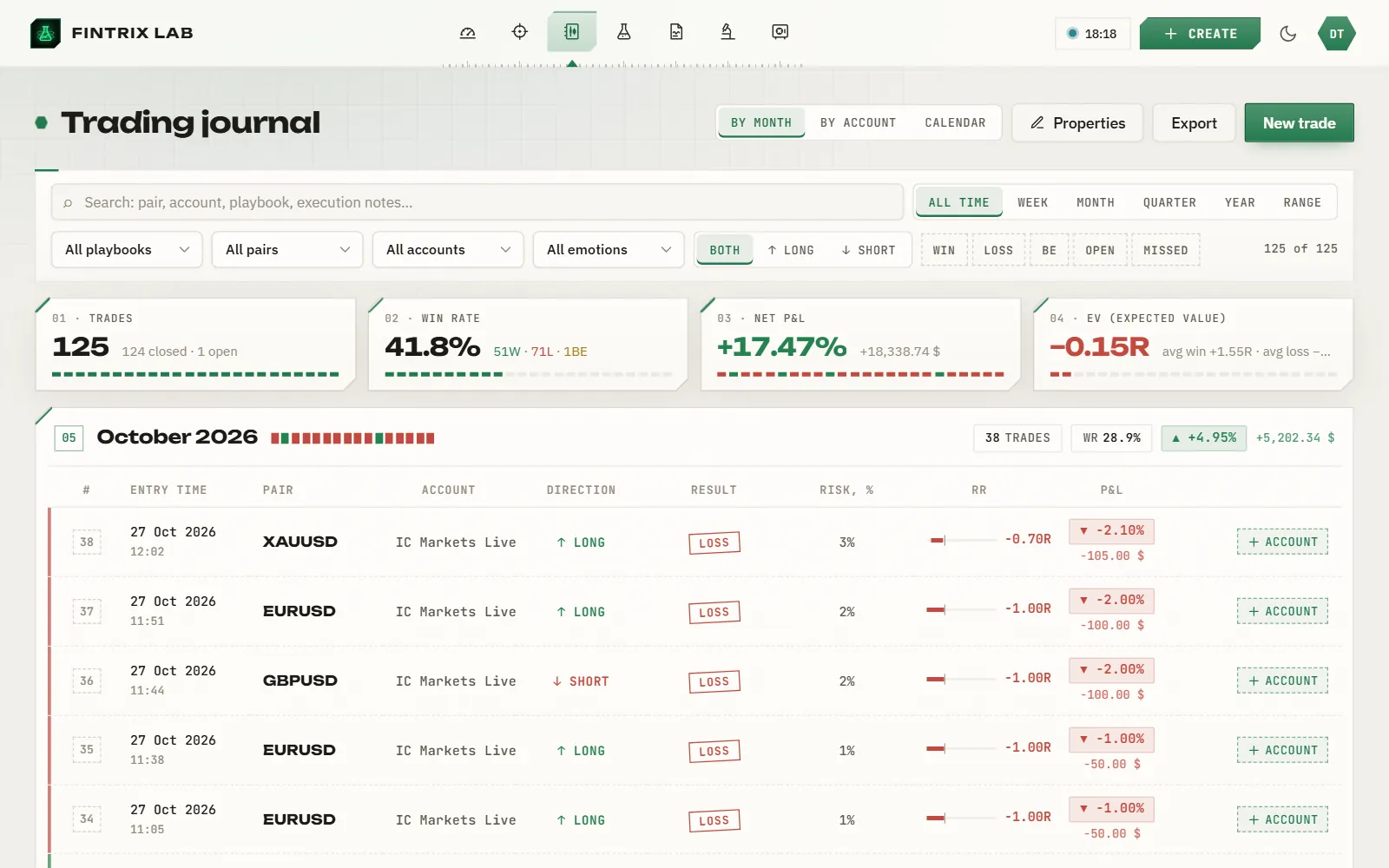
  • Trades by month or account, a calendar, filters and custom fields.

What you getYour time goes into reviewing trades, not retyping numbers.

Auto-sync on Pro
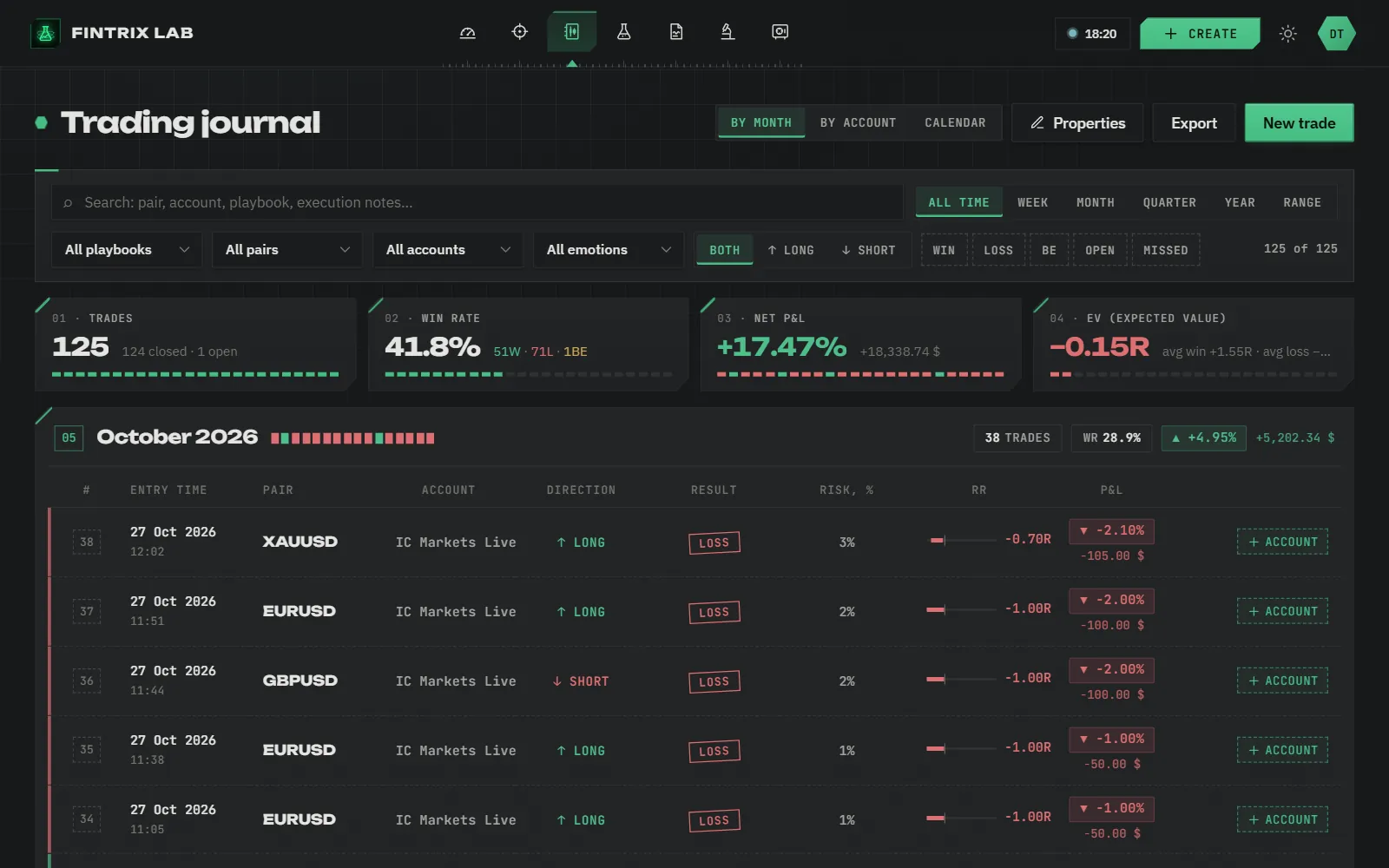
FINTRIX LAB trade journal: a month of trades with statsFINTRIX LAB trade journal: a month of trades with stats

02Trading plan

A daily plan you can check in the evening

ProblemWithout a plan every trade is improvised, and later it's unclear what went wrong.

How it works
  • Top-down analysis by timeframe with screenshots, an overall narrative and scenarios.
  • A readiness checklist from your template, plus updates during the session.
  • Save any block of analysis as a 16:9 image for a chat or channel.

What you getYou open trades from the plan, so you can see whether you followed it.

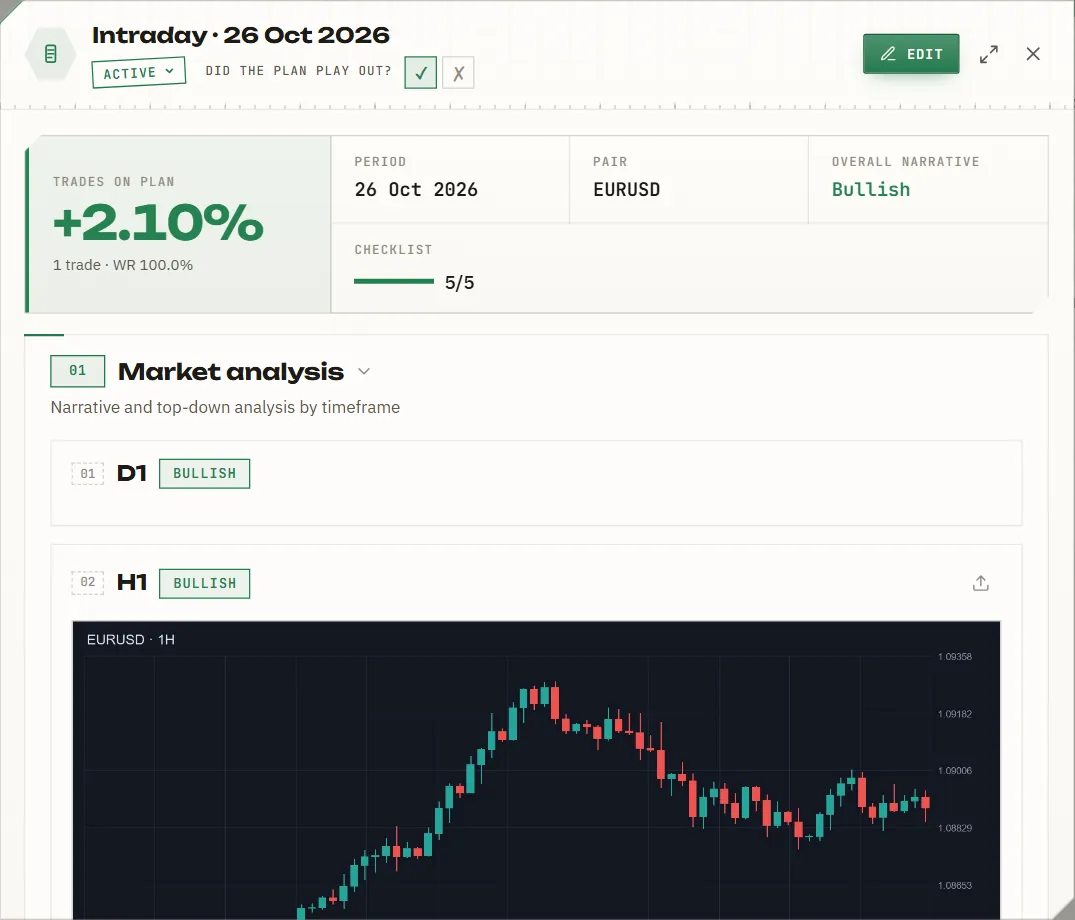
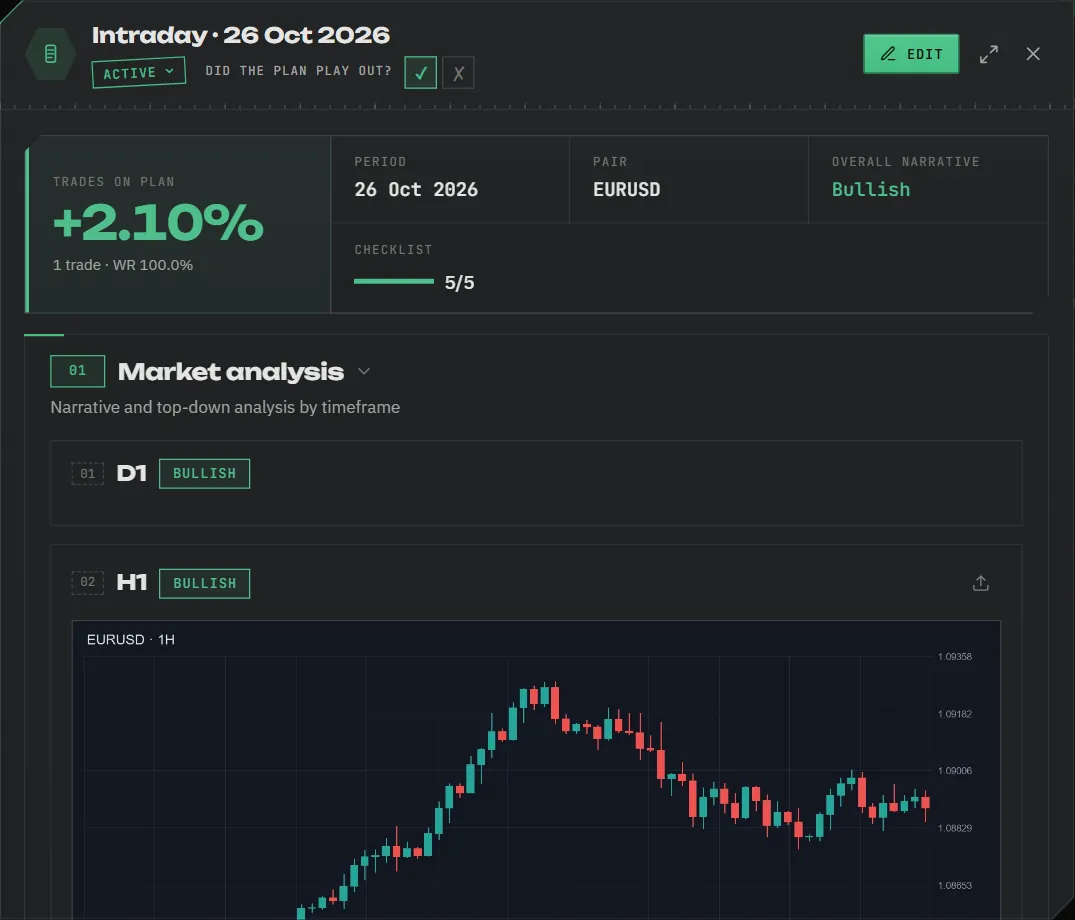
EURUSD trading plan: D1 and H1 analysis with a chart screenshotEURUSD trading plan: D1 and H1 analysis with a chart screenshot

03Playbooks

Setups with their own stats

ProblemThe setup lives in your head, and you don't know whether it actually makes money.

How it works
  • Thesis, entry and exit rules, and when not to trade.
  • A pre-entry check and a new trade straight from the playbook.
  • Trades, WR, EV and P&L counted separately for each setup.

What you getYou see which setup to trade more and which to drop.

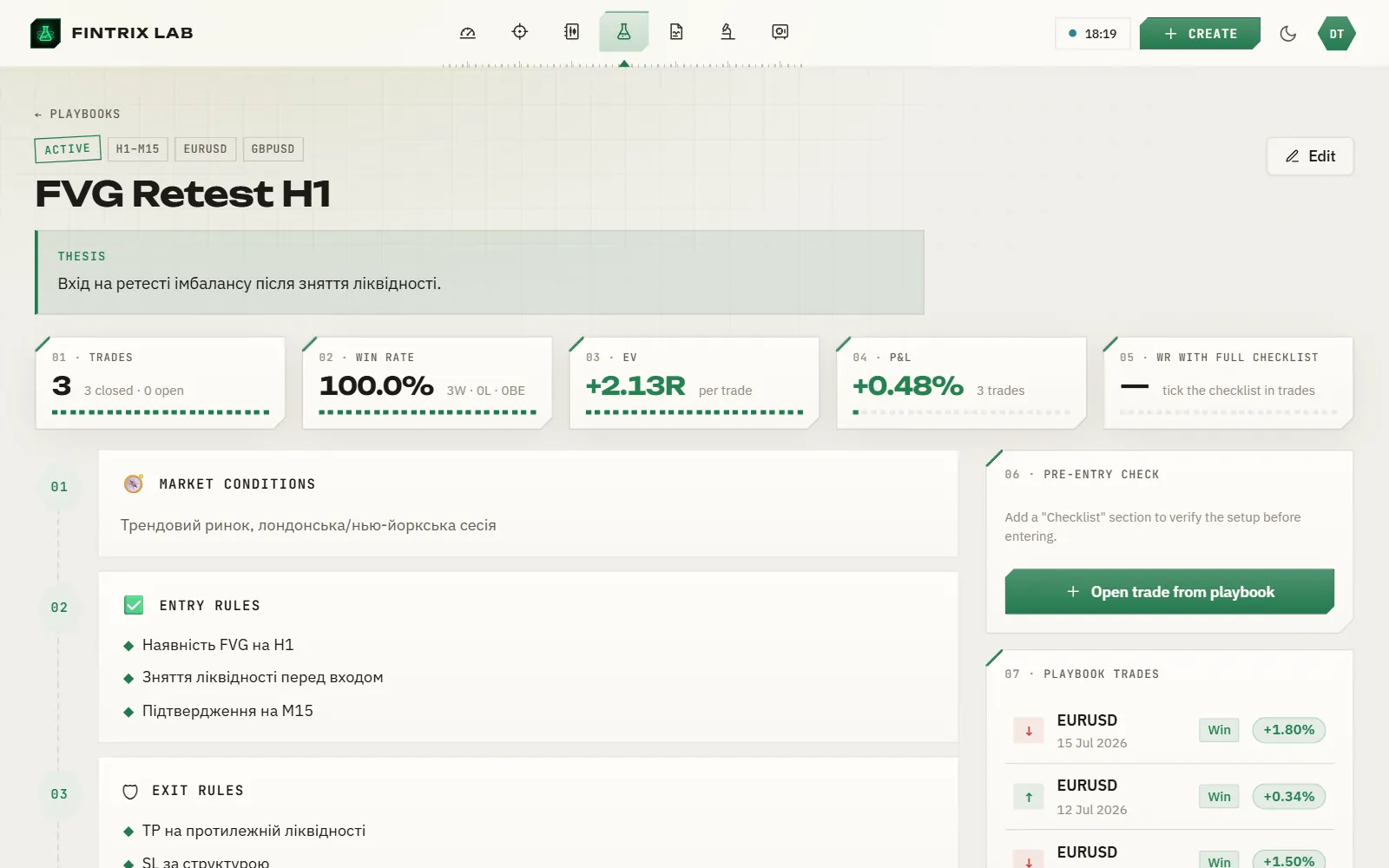
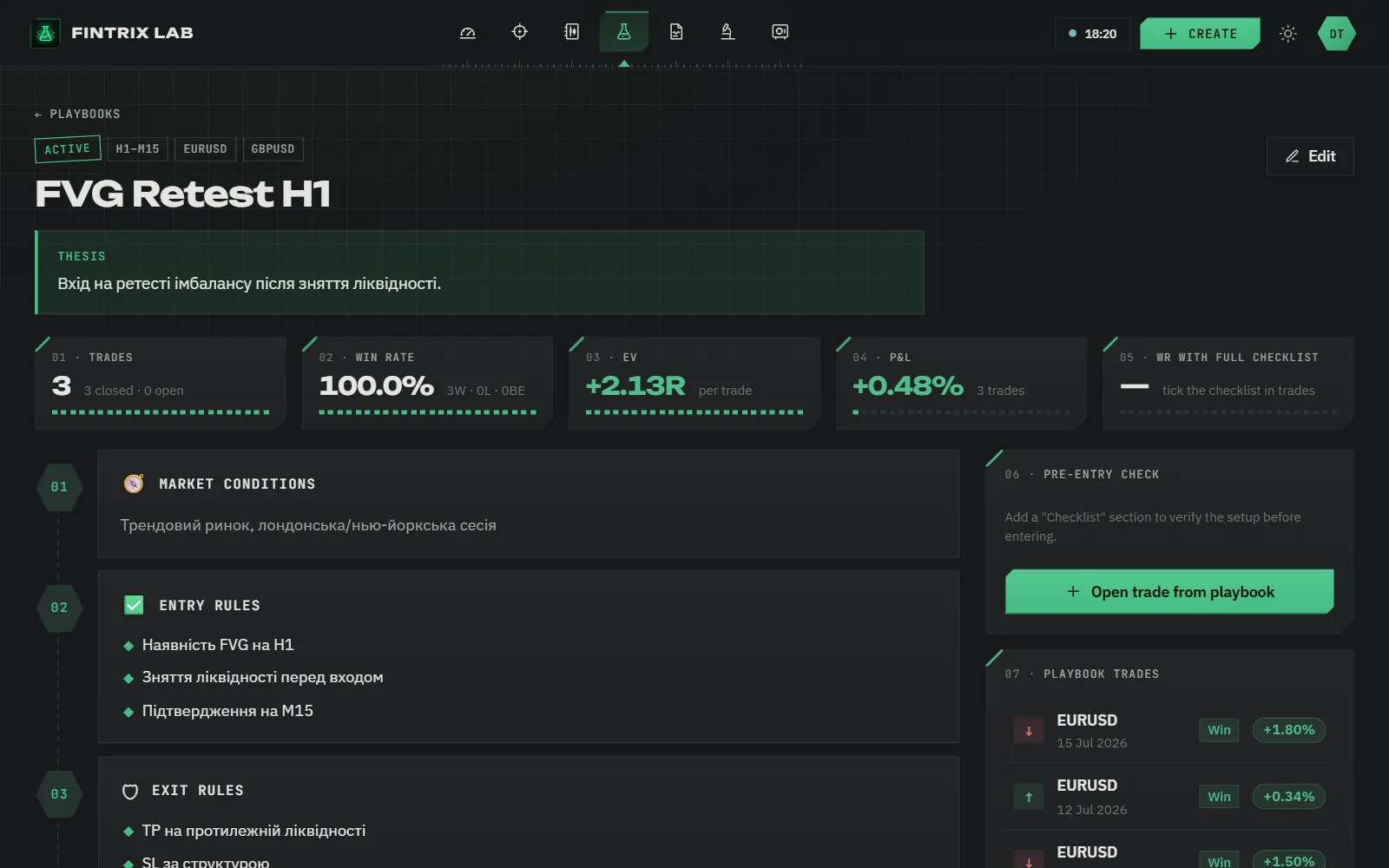
FVG Retest H1 playbook with stats and rulesFVG Retest H1 playbook with stats and rules

04Review

Grade your process from A to F

ProblemP&L shows the outcome but not whether the decision was right.

How it works
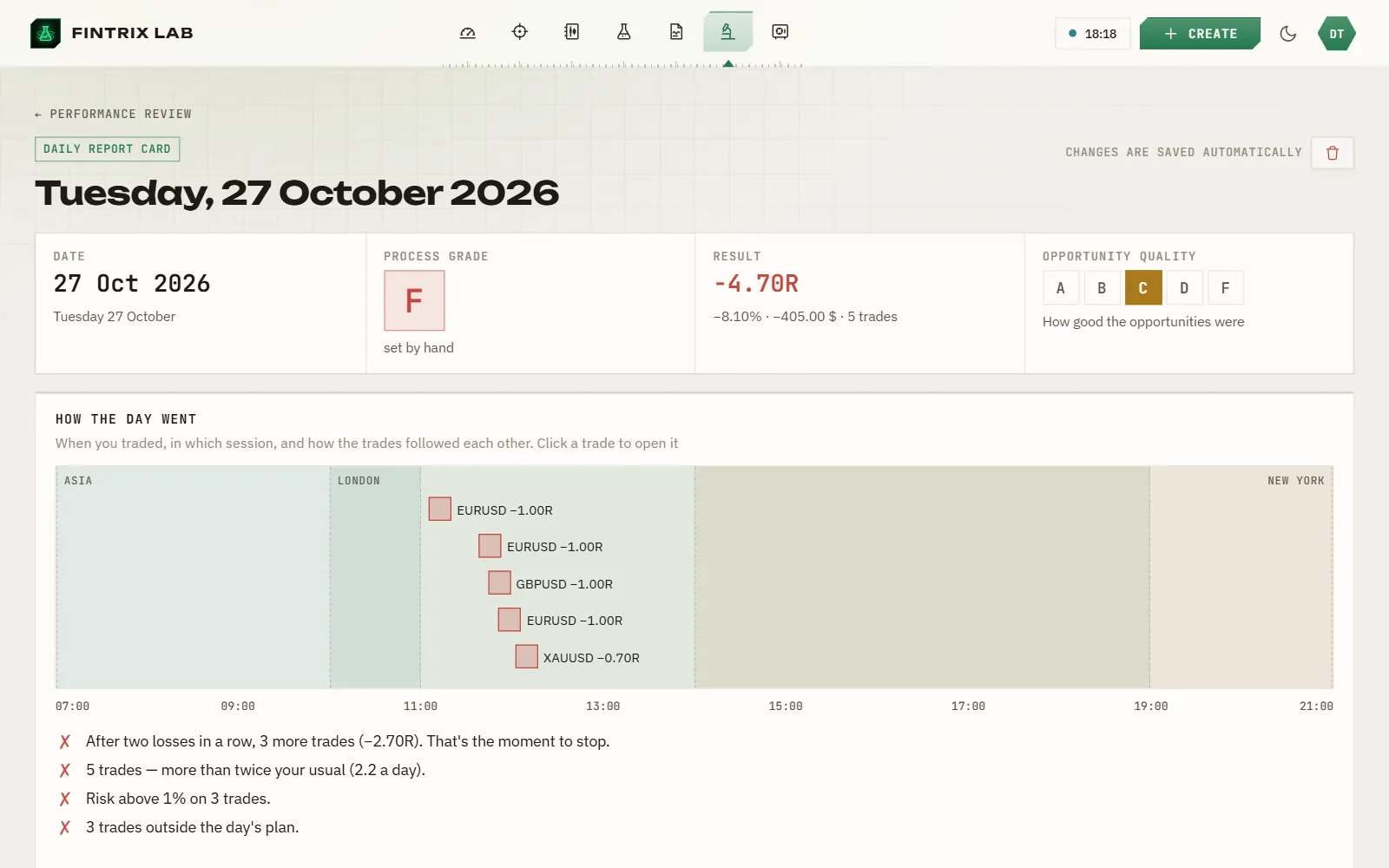
  • Daily and weekly report cards: market quality, idea, execution, position size, management.
  • Mistakes with a type, screenshot and cost, right in the trade.
  • “Focus for tomorrow” becomes the focus of the next report.

What you getA losing day by the plan doesn't read as failure, and a lucky winning day doesn't read as success.

Mistake analysis on Pro
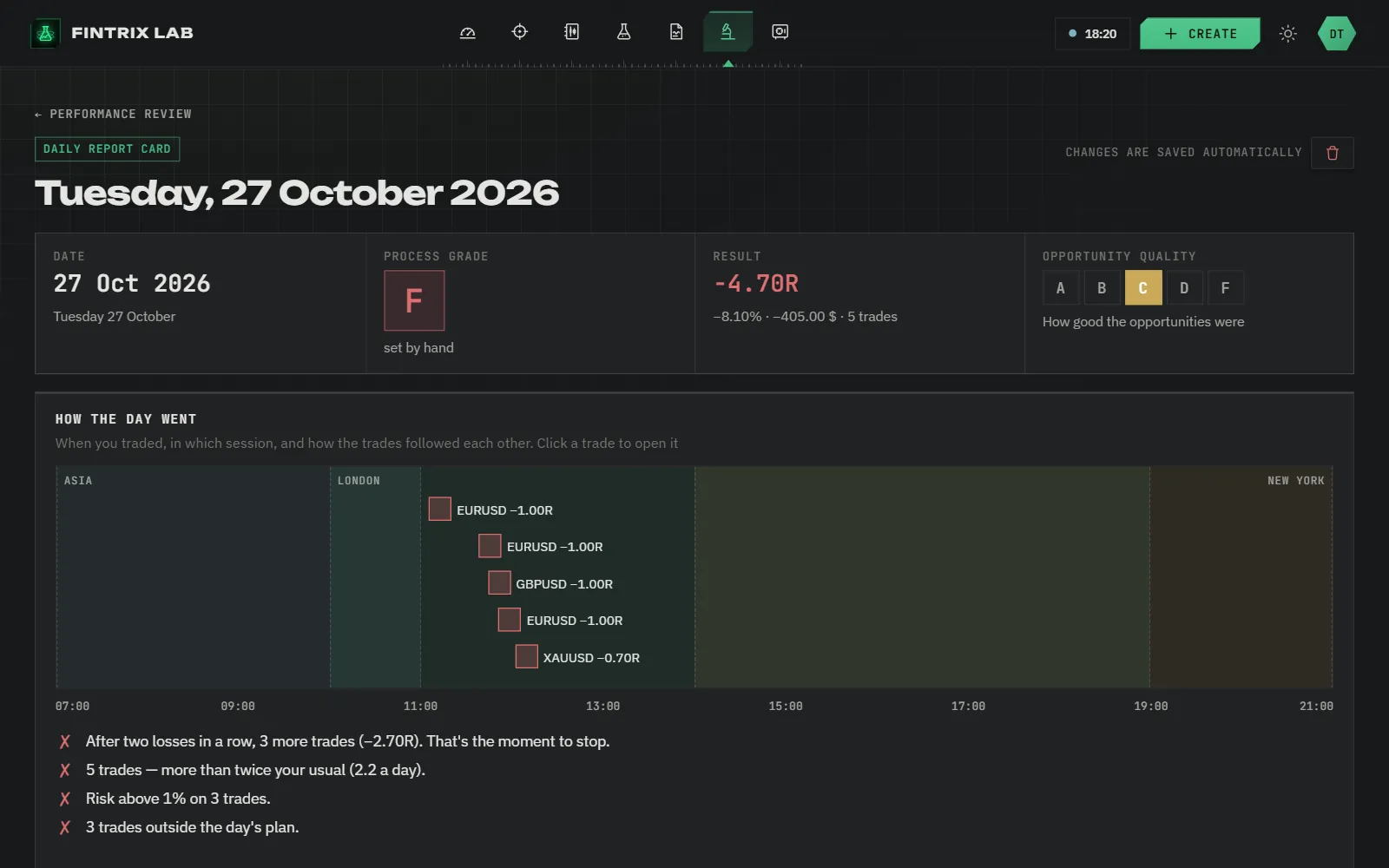
Daily report card: grade, session timeline and broken rulesDaily report card: grade, session timeline and broken rules

05Analytics

Numbers that point to your next change

ProblemWin rate and P&L don't show where exactly the money leaks.

How it works
  • Dashboard: net P&L, win rate, EV, drawdown, equity curve and calendar.
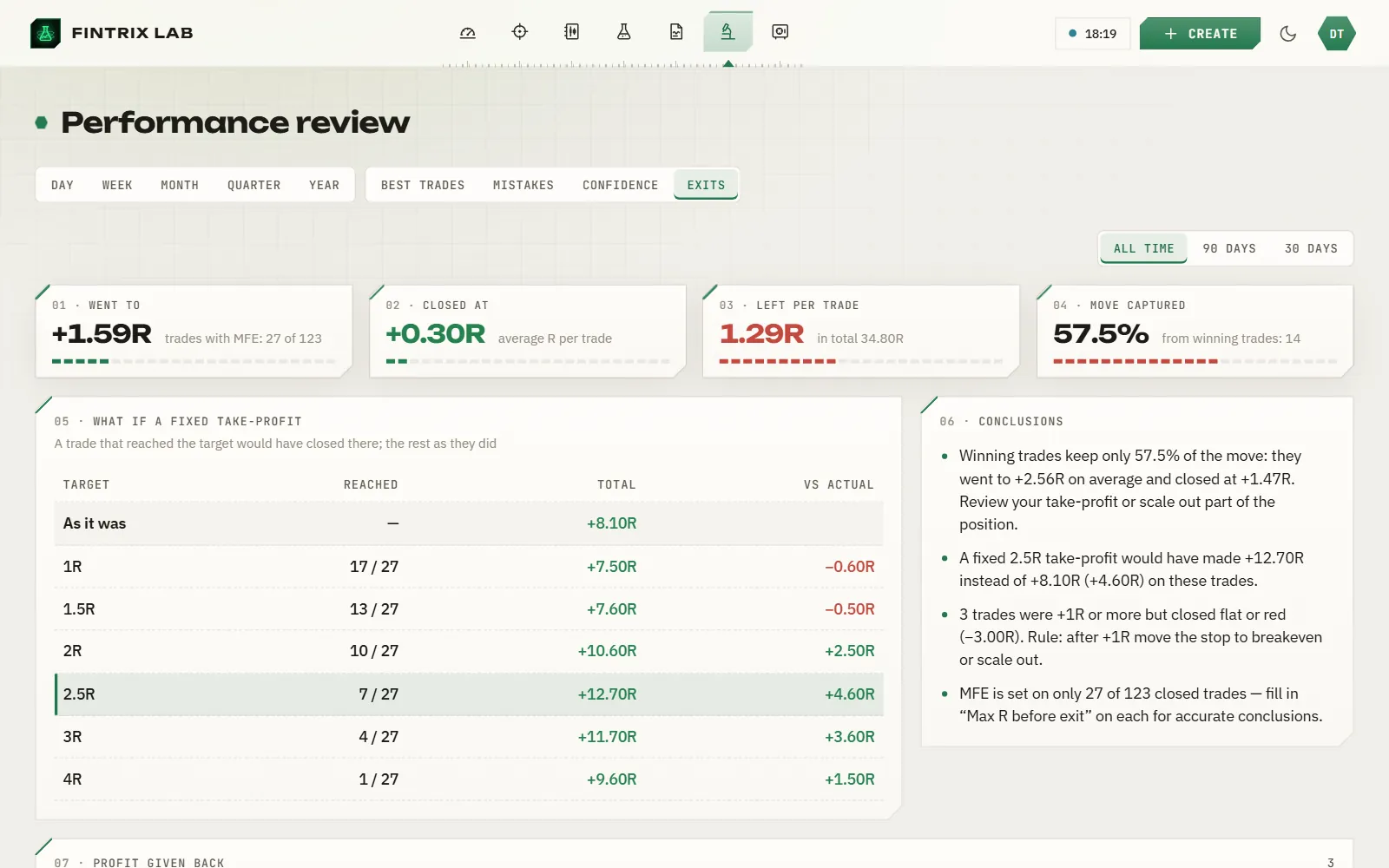
  • Exit analysis: what a fixed take-profit at 1R, 2R or 3R would have made.
  • Confidence, best trades and mistakes for all time, 90 or 30 days.

What you getInstead of a vague “trade better” you get one rule for next week.

Advanced analytics on Pro
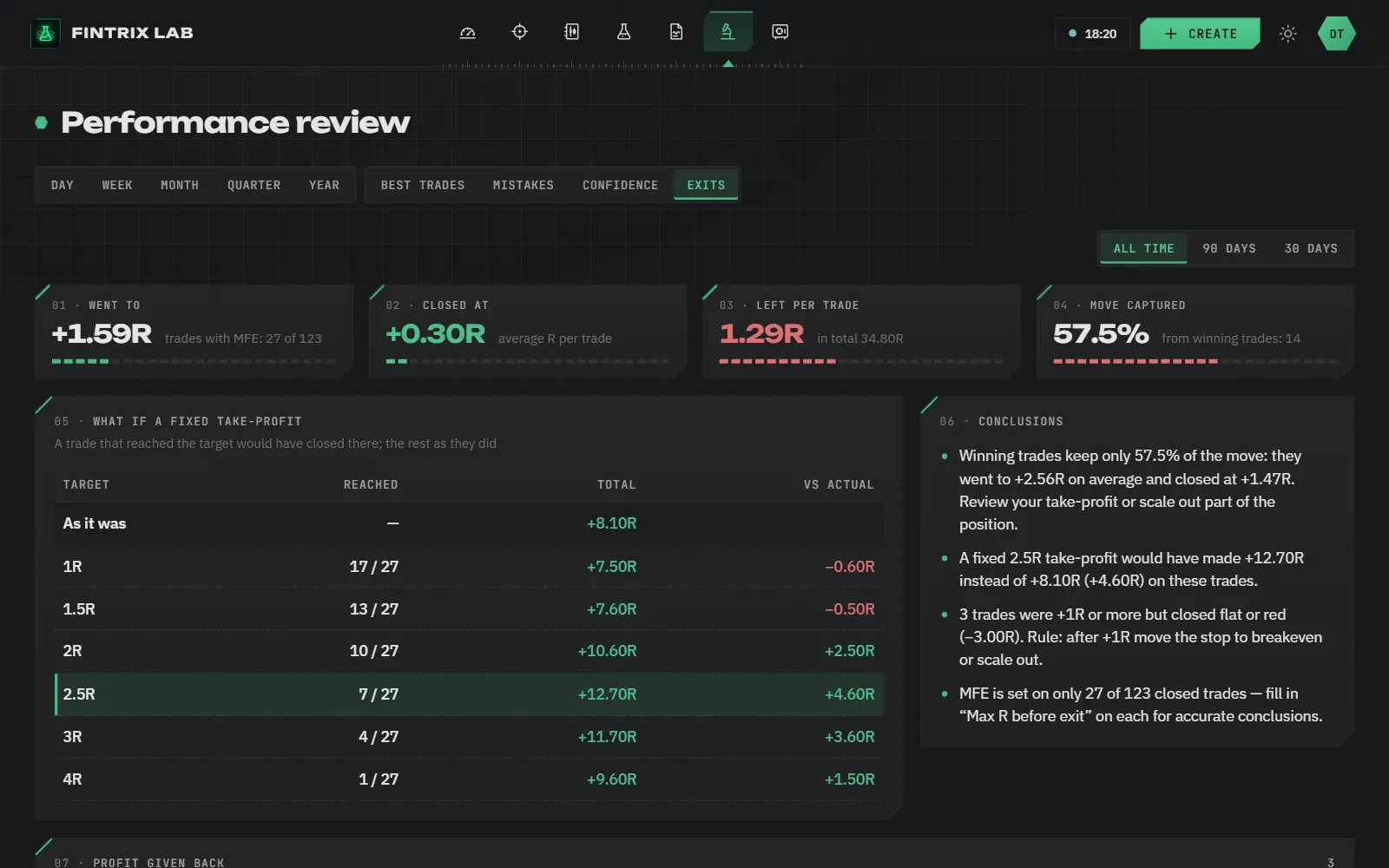
Exit analysis: results with a fixed take-profitExit analysis: results with a fixed take-profit

Also in the workspace

Prop accounts

Account type, challenge rules, limit warnings and payouts.

Trade copies

One idea on several accounts is logged once and copied with “+ Account”.

Notes

Rules, observations and goals, with the WR of trades where you applied them.

Period reviews

Daily and weekly reports on every plan; month, quarter and year on Pro.

Your data

Export to Excel and CSV, or a full backup as one JSON file.

Demo · one trading day

From the morning plan to the takeaway

Plan the day top-down

Narrative, timeframe analysis with screenshots, main and alternative scenarios, invalidation and a readiness checklist.

ResultA clear scenario instead of a feeling that something will happen.

Plan the day top-downPlan the day top-down

Screens from the demo account, real interface.

Comparison

How this differs from a spreadsheet or notes

CriterionSpreadsheetNotes and a screenshot folderFINTRIX LAB
Trades from MetaTradertyped by handtyped by handarrive on their own (Pro)
Screenshots next to the tradeas linksseparate from tradesin the record, full screen
Plan → trade → takeaway linkmanualmanualautomatic, both ways
P&L in % and $ from RR and riskformulas you set up—automatic
Mistake analysis with costmanual—frequency, cost and WR (Pro)
Process grade A–Fmanualmanualdaily and weekly report
Custom fields and flexibilityfullfullcustom trade fields
Easy from a phoneawkwardyesyes

We compare approaches, not specific services. A spreadsheet gives total freedom and just as much manual work.

Pricing

Start free, pay for depth

The journal, plans, playbooks and reports are free forever. Pro and Elite add auto-sync, all-time analytics and AI.

Free

The trader's daily habit

$0

Forever, no card

Start free
  • Journal, plans and playbooks
  • Day and week report cards
  • Up to 5 accounts
  • 90 days of analytics

Elite

The most AI and market context

$249/yr

≈ $20.75 a month

Choose Elite

Everything in Pro, plus:

  • Edge: market contextsoon
  • In-depth news analysissoon
  • 100 AI reviews a month
  • Unlimited accounts
  • Full sync history
  • Pay in crypto: USDT or USDC
  • No auto-renewal: you extend when you choose
  • Your data stays when a plan ends

Prices in US dollars. “Soon” marks features in development. Payment and refund terms

Questions before you sign up

Is there really a free plan?

Yes. Free has no time limit and needs no card: journal, plans, playbooks, daily and weekly reports, up to 5 accounts and analytics for the last 90 days. Every trade stays in the journal; the limit applies to analytics only.

What do Pro and Elite add?

Pro adds MetaTrader auto-sync, all-time analytics, advanced analytics and reports, and up to 10 accounts. Elite adds unlimited accounts and the full sync history, plus Edge, news breakdowns and more AI reviews, which are in development now.

How do I pay?

In crypto: USDT or USDC. Once you choose a plan, a NOWPayments page opens with the address and amount. The plan turns on automatically when the network confirms the payment.

Will I be charged automatically? How do I cancel?

There's no auto-renewal: you pay for a month or a year up front, so there's nothing to cancel. When the period ends, your account moves to Free and all your data stays.

Can I change plans?

Yes. Extending the same plan adds time to the current term. When you switch to another plan, the remaining time is converted at the plans' prices, so paid days aren't lost.

How does the MetaTrader sync work?

On the Accounts page you download the FintrixSync EA for MT4 or MT5 and get a connection key. The EA runs in your terminal and sends trades to the journal. Your trading account password isn't needed, and you choose how much history to pull. Available on Pro.

Can I bring my trade history?

Yes: importing an MT5 statement (CSV or HTML) works on every plan, and on Pro the EA pulls history too. You can export your data to Excel, CSV or a full JSON backup.

Which markets are supported?

Forex, indices, metals, crypto, stocks and other instruments: pick a symbol from the list or type your own, and the asset class is detected automatically.

Does it work for prop firms?

Yes: account type, challenge rules with limit warnings, payouts, and copying a trade to several accounts.

How is my data protected?

Passwords are stored only as a hash (argon2), email is confirmed with a code, and you can end sessions on all devices. Records belong to your account, screenshots are served from random links, and you can export your data at any time.
Plan the trade. Trade the plan. Review the trader.

Start reviewing decisions, not just results

Create an account and log your first trade or connect MetaTrader. In a few days you'll see where you make money and where you lose it.